
🎬 Jellyfin Webhook 插件
运行 Bangumi-syncer。
打开 Jellyfin 控制台 →
插件→目录→ 拉到最下面找到点进Webhook→ 选择18.0.0.0版本,点击Install安装此插件然后 重启服务器。
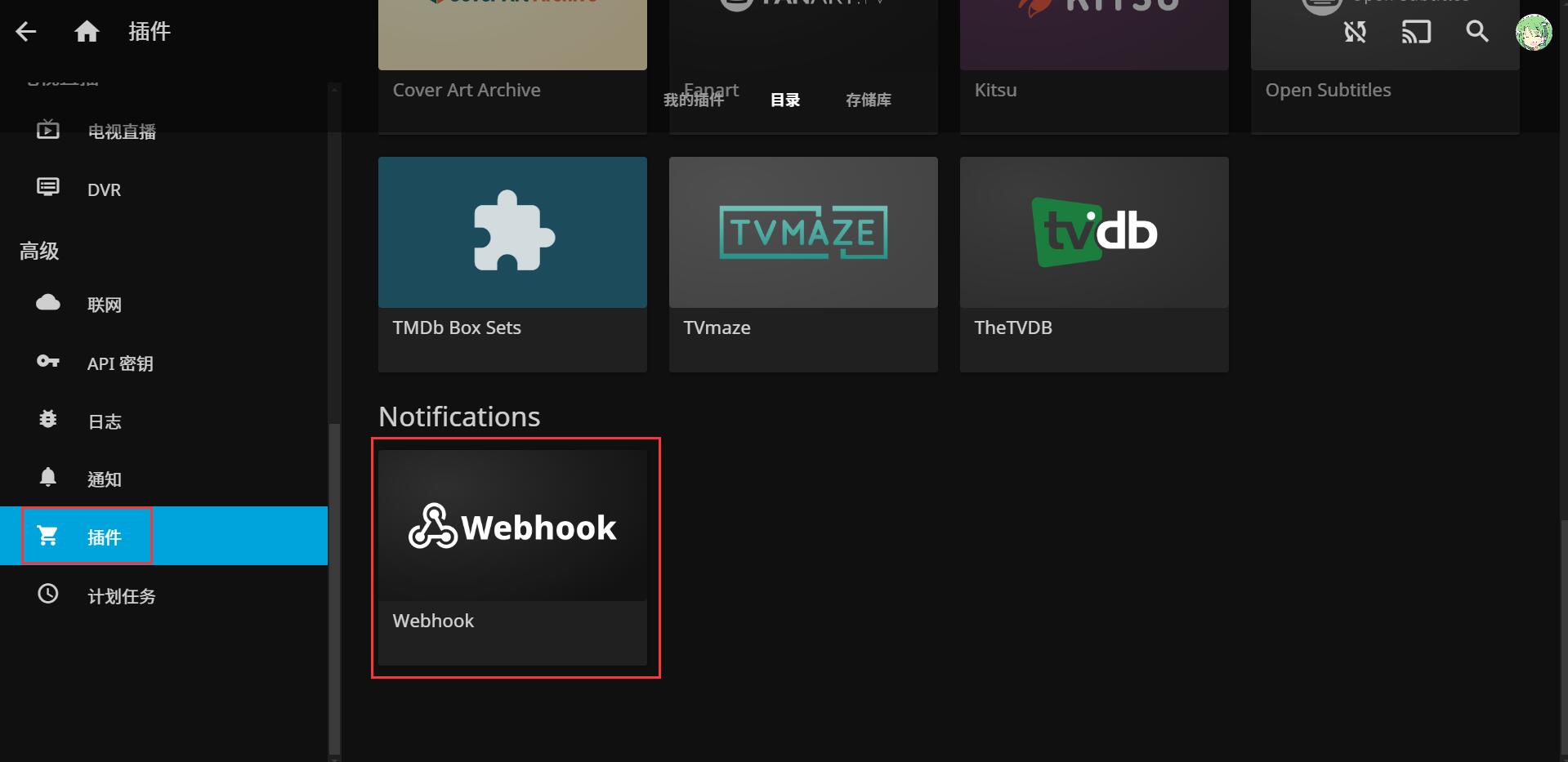
- 打开 Jellyfin 控制台 →
插件→我的插件→ 点进Webhook。Server Url里输入你的 Jellyfin 地址,点击Add Generic Destination。
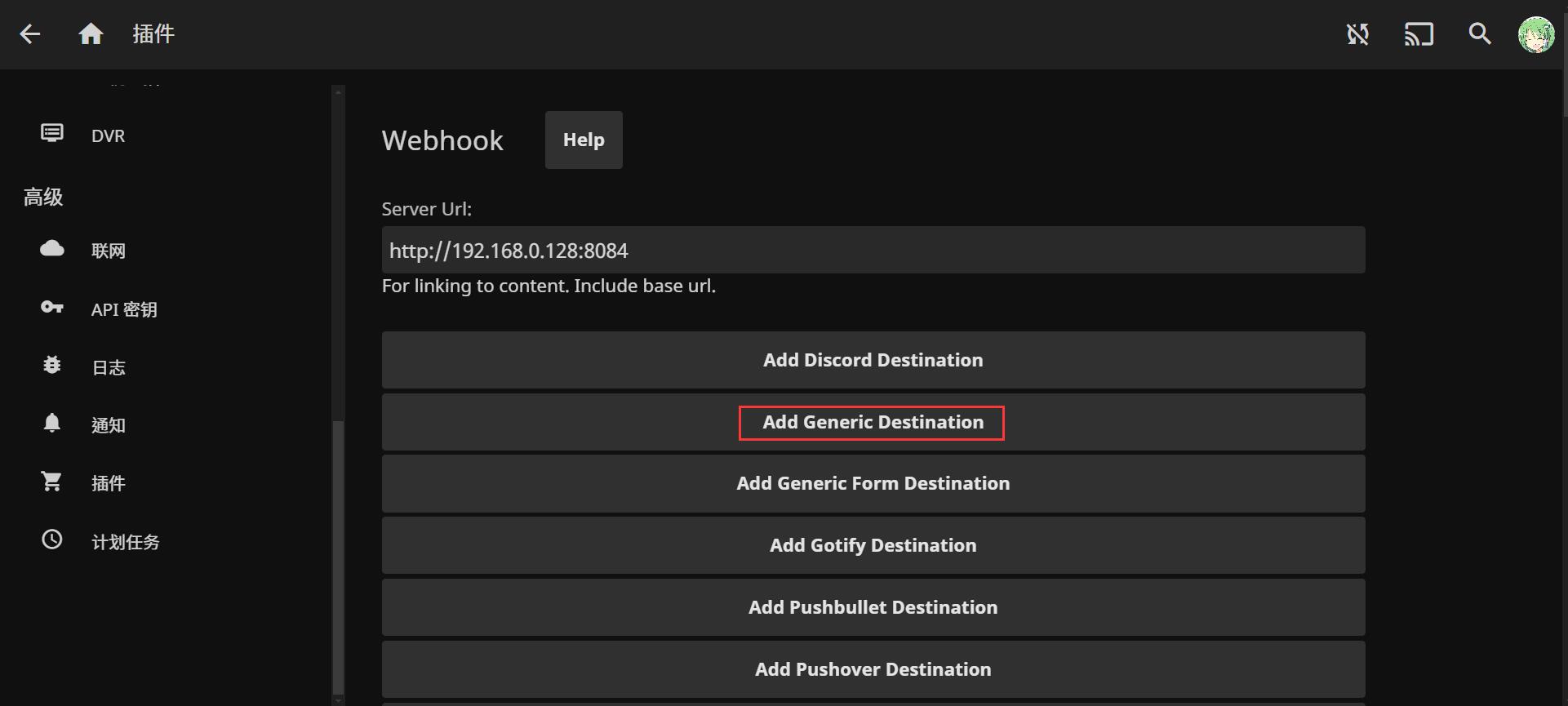
- 展开下方的
Generic,Webhook Name随便填,Webhook Url输入http://{ip}:8000/Jellyfin,ip根据本机情况填写。Notification Type只选中Playback Start和Playback Stop,Item Type选中Movies和Episodes。Template填写如下模版,然后点击Save保存设置:
json
{"media_type": "{{{ItemType}}}",{{#if_equals ItemType 'Episode'}}"title": "{{{SeriesName}}}","season": {{{SeasonNumber}}},"episode": {{{EpisodeNumber}}}{{else}}"title": "{{{Name}}}","season": 1,"episode": 1{{/if_equals}},"ori_title": " ","release_date": "{{{Year}}}-01-01","user_name": "{{{NotificationUsername}}}","NotificationType": "{{{NotificationType}}}","PlayedToCompletion": "{{{PlayedToCompletion}}}", "source": "jellyfin"}- 在 Jellyfin 播放完成后,可在 Web 界面「日志管理」页面查看同步结果。